
Key Moments
Importance of Updating Bank Address
Keeping your bank's address current ensures timely statements, fraud protection, and accurate billing verification.Fastest Methods to Change Address
Online banking and mobile apps usually update your address instantly or within one business day.Identity Verification Requirements
Phone and in-branch updates require identity checks, while some online changes may undergo security reviews.Separate Updates for Each Account
You must update your address individually on credit cards, loans, savings, and other financial accounts.Filing a change of address with the post office forwards your mail, but it does not update your bank’s records. Your bank keeps its own address on file, and if you do not change it, your statements, new cards, and important notices can end up at your old home, or get delayed by fraud checks. Fortunately, updating your address with a bank is quick, and most banks give you several ways to do it. Here is how.
Quick facts: updating your bank address
| Method | Best for | Typical timing |
|---|---|---|
| Online banking website | Most account holders | Updates immediately or within a business day |
| Mobile banking app | Updating on the go | Immediate |
| Phone (customer service) | Confirming details or complex accounts | During the call, after ID verification |
| In branch | Those who prefer in person, or need extra verification | Same visit |
| By mail or form | Banks that require a signed request | Several days to process |
Why updating your address with your bank matters
USPS mail forwarding is a temporary bridge, not a permanent fix, so relying on it to catch bank mail is risky. Keeping your bank’s records current protects you in several ways:
- Statements and tax forms such as year-end interest documents reach the right place.
- Replacement and renewal cards are mailed to your correct address instead of your old one.
- Fraud protection stays accurate. Banks flag transactions that do not match your profile, and an outdated address can trigger unnecessary declines or holds.
- Card billing verification works. Many online purchases check your billing address, so a mismatch can cause payments to fail.
- Important notices arrive on time, including anything about your account terms, loans, or security.
How to change your address with your bank, method by method
Online banking
The most common route is your bank’s website. Sign in, open your profile or account settings, and look for a section labeled something like “personal information,” “contact information,” or “profile.” Enter your new address and save. Many banks apply the change immediately, though some hold it for a short review.

Mobile banking app
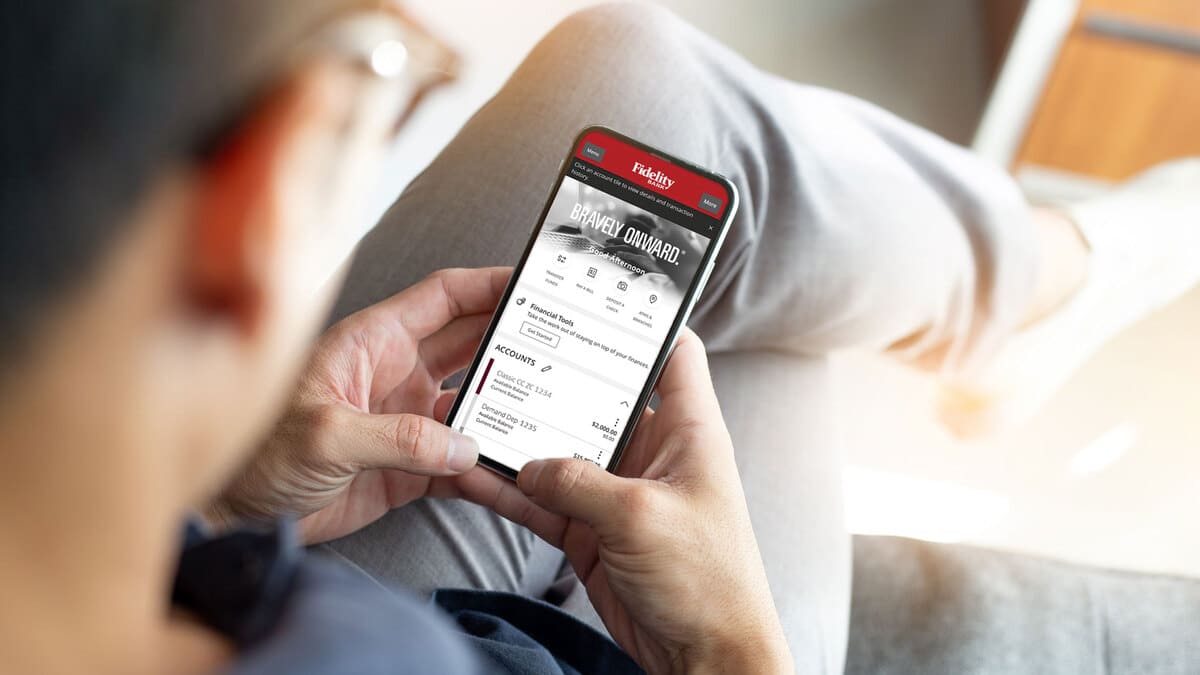
If your bank has an app, the steps mirror the website. Open the menu, find your profile or settings, and update the address field. This is often the fastest method, and it lets you make the change the moment you have your new address.
By phone
Calling customer service works well if you would rather confirm the change with a person, or if your account has features that the self-service tools will not update. Expect to verify your identity first with security questions or account details before the representative makes the change.
In a branch
Visiting a branch is the most hands-on option and can be the right choice if you need additional verification or want a paper confirmation. Bring a photo ID. A banker can update your address across your accounts while you are there.
By mail or form
Some banks, especially for certain account types, ask for a signed written request or a specific change-of-address form. This is the slowest method, so use online or app updates when they are available.
Do not forget your other financial accounts
Your primary checking account is only the start. Update your address separately on:
- Credit card accounts, which often live outside your main banking login.
- Savings, brokerage, and retirement accounts.
- Loans and mortgages, so payment notices and statements arrive.
- Any bank where you hold a certificate of deposit or a secondary account.
Each institution keeps its own records, so changing one does not change the others.
When to update your bank address
Aim to update your bank around the time of your move, ideally as soon as you know your new address. Doing it early means new cards and statements are already routed correctly by the time you settle in, and it closes the gap that mail forwarding would otherwise have to cover.
Frequently asked questions
Does a USPS change of address update my bank? No. USPS forwards your mail, but your bank maintains its own address records. You must update the bank directly through its website, app, phone line, or a branch.
What is the fastest way to change my bank address? For most people, the mobile app or online banking site is fastest, often updating the address immediately.
Will I need to verify my identity? Usually, yes. Phone and in-branch changes typically require identity verification, and some online changes trigger a short security review.
Do I have to update each account separately? Yes. Credit cards, loans, brokerage, and savings accounts each keep their own records, so update every institution you hold an account with.
Tie up the rest of your move
Updating your bank is one piece of a larger address-change checklist. Pair it with a USPS filing so physical mail forwards while you notify senders, and know how long that forwarding lasts so nothing slips through after it expires. If your move changes, here is how to cancel a USPS change of address. For everything else a move involves, our relocation guide lays out the full sequence.
This article is for general informational purposes only and is not financial advice. Procedures vary by bank; check your own institution’s current instructions for updating your address.